Diaro App Review: Simple and Private Digital Diary
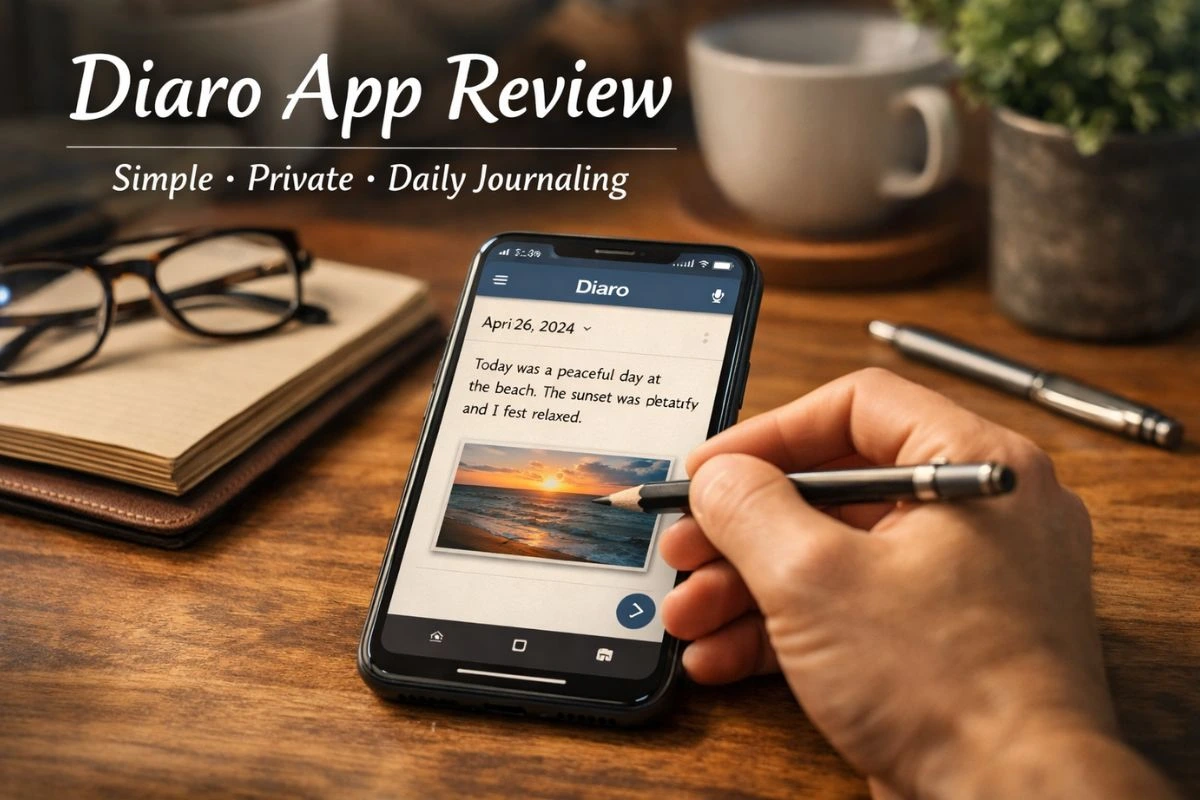
Diaro is a digital diary and journaling app made for people who want to write daily thoughts in a private and simple way. It replaces the traditional notebook with a secure app that you can carry everywhere on your phone or computer. Many users choose Diaro because it focuses on writing, privacy, and easy organization instead of social sharing.
The first impression of Diaro is clean and calm. The interface is simple, without too many buttons or distractions. This makes it comfortable to use, even for people who are not very tech-savvy. You open the app and immediately feel like writing instead of figuring out how things work.
Diaro allows users to write diary entries freely. You can write long thoughts or just a few lines about your day. There is no pressure to follow a format. This makes the app feel personal and natural, like writing in your own notebook.
One of the strongest points of Diaro is privacy. Your entries are not public and are not shared anywhere. You can protect the app using a PIN, fingerprint, or face lock. This is very important for people who write personal feelings, emotions, or sensitive thoughts.
The app also supports adding photos to diary entries. This helps users save memories in a richer way. For example, travel photos, family moments, or daily life snapshots can be added to entries and viewed later along with written thoughts.
Diaro includes mood tracking, which is useful for self-reflection. You can mark how you felt on a particular day. Over time, this helps users understand emotional patterns. Many people use this feature for mental health awareness and emotional balance.
Organization is another strong area of Diaro. Entries are shown by date and calendar view. You can also use tags to group entries. Tags make it easy to search old entries later. This is very helpful for long-term users who write daily.
Searching inside the app is fast and simple. You can search by words, tags, or dates. This makes Diaro more powerful than a paper diary, where finding old entries takes time and effort.
Diaro supports cloud backup, which helps protect your data if you change phones or reinstall the app. This feature is optional, so users can decide whether they want online backup or prefer keeping everything offline for extra privacy.
The app is available on Android, iOS, and desktop platforms. This allows users to write entries on their phone and read them later on a computer. Syncing between devices works smoothly for most users.
In daily use, Diaro feels stable and reliable. It does not crash often and runs smoothly even on older devices. The app does not consume much battery, which is good for long-term daily use.
Diaro offers a free version with basic features, which is enough for most users. There is also a premium version that unlocks extra features like advanced syncing and export options. The pricing is reasonable compared to other journaling apps.
One small downside is that Diaro focuses only on journaling. It does not include social features, reminders, or guided prompts like some modern wellness apps. However, many users actually prefer this because it keeps the app focused and distraction-free.
Another limitation is that design customization is minimal. You cannot change themes heavily or personalize layouts too much. Still, this simple design helps keep writing as the main focus.
Overall, Diaro is a very good choice for people who want a private, simple, and reliable diary app. It does not try to do too many things. Instead, it does one thing well: helping you write and save your thoughts safely.
For students, professionals, travelers, or anyone who wants to build a journaling habit, Diaro fits naturally into daily life. It encourages consistency without pressure.
Diaro may not be flashy, but it is honest and practical. If your goal is to write regularly, reflect on life, and keep memories safe, Diaro is a strong and trustworthy app to use every day.