Adobe Firefly’s AI Video Editor Can Now Edit for You – Here’s How It Works
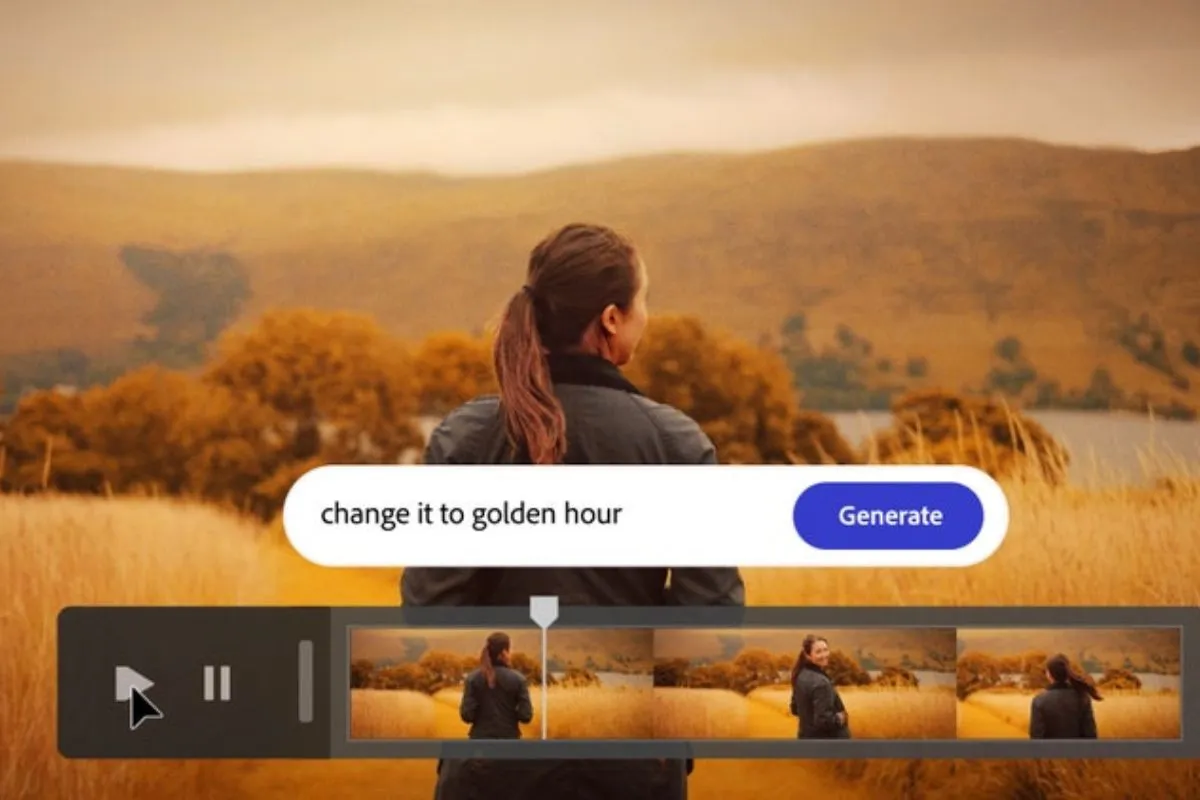
Video editing usually takes time. You import clips, cut unwanted parts, arrange scenes, add music, adjust colors, and then export. For beginners, it can feel confusing. For professionals, it can take hours just to create a first draft. That is exactly the problem Adobe is trying to solve.
With the latest updates connected to Adobe Firefly and Adobe’s AI tools inside Adobe Premiere Pro, the company is making video editing faster and smarter. Now, AI can help generate a rough first cut from your raw footage. It does not fully replace editors, but it gives you a strong starting point.
Let’s break down how it works and why this matters.
What Is Adobe Firefly and Why Is It Important?
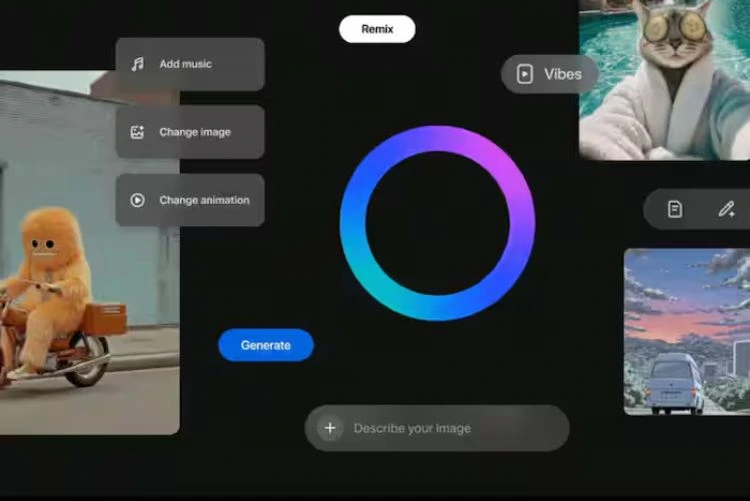
Adobe Firefly is Adobe’s generative AI platform. It first became popular for text-to-image generation and design tools inside Photoshop and Illustrator. But Adobe did not stop there. The company started expanding Firefly into video and audio workflows.
Instead of creating random AI tools, Adobe focused on professional workflows. Firefly is designed to work inside existing Adobe software. That means creators do not have to learn new platforms. Everything connects smoothly within Creative Cloud.
The important thing here is trust. Adobe has trained Firefly mostly on licensed content and Adobe Stock images. This reduces copyright concerns, which is a big issue in the AI space. That gives creators more confidence when using AI-generated features.
Now, Adobe is bringing that same AI power into video editing.
How the AI First Draft Feature Works
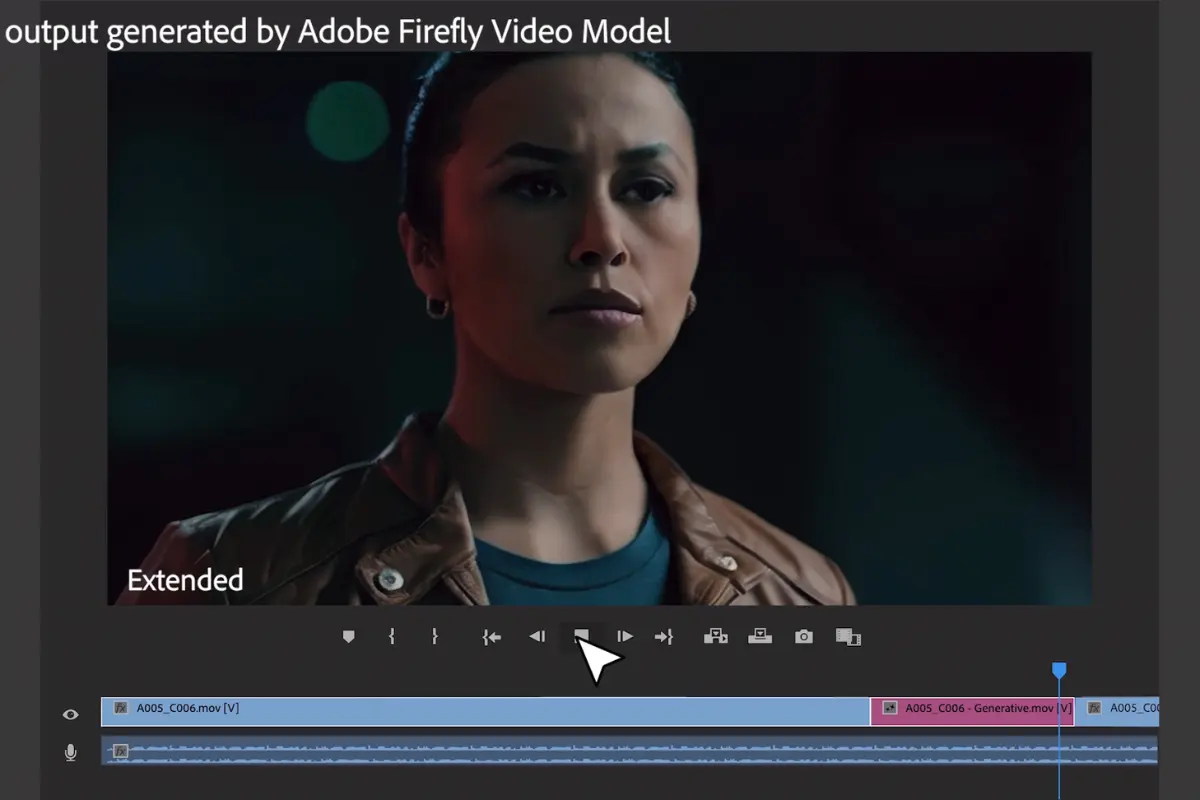
The new AI-powered video editing feature works by analyzing your uploaded footage. Once you bring your clips into Premiere Pro, AI can scan them and identify key moments, dialogue, and visual highlights.
Instead of manually watching every clip and trimming them, the AI suggests a structured first cut. It arranges scenes in logical order based on detected speech, action, or important visual moments.
Also Read:
Spotify’s New Feature Reveals the Real Story Behind Every Song You Listen To
For example, if you record an interview, the AI can automatically find the main speaking parts and remove long pauses. If you shoot event footage, it can pick the most dynamic moments and build a draft sequence.
This first version is not final. Think of it as a smart assistant creating a base version of your video. You can then adjust, refine, and polish it yourself.
The goal is not to replace creativity. The goal is to remove repetitive editing work.
What Makes This Different from Regular Auto-Editing Tools?
Auto-editing tools are not new. Many apps already create quick highlight reels. But Adobe’s approach is different because it focuses on professional control.
First, this feature works inside Premiere Pro, which is already used by professionals. Editors do not have to leave their main software.
Second, the AI understands context better. It analyzes speech patterns, scene transitions, and visual movement more deeply than simple highlight apps.
Third, you still have full manual control. If the AI makes a mistake, you can correct it easily. This keeps human creativity at the center of the process.
Adobe also combines this with other AI features like automatic color adjustments, background noise removal, and generative fill for video. Together, these tools make editing much faster.
Also Read:
Why This Matters for Content Creators
Today, video content is everywhere. YouTube creators, social media influencers, businesses, and online educators all need fast turnaround times.
Editing is often the slowest part of the process. Shooting may take an hour, but editing can take three or four hours.
With AI generating a first draft, creators can cut that time significantly. Instead of starting from zero, they begin with a structured timeline.
For beginners, this is even more helpful. New editors often feel lost when looking at raw footage. AI guidance gives them direction.
For professionals, it means more time for creative decisions instead of technical trimming.
Is AI Replacing Video Editors?
This is a common concern. But based on how Adobe designed the tool, it is not meant to replace editors.
AI handles repetitive tasks. Humans handle storytelling, emotional pacing, and final decisions.
A first draft still needs human judgment. The AI cannot fully understand creative tone, humor timing, or brand personality. It simply provides a starting structure.
In many ways, this is similar to how spell-check helps writers. It assists, but it does not replace them.
Adobe clearly positions this tool as an assistant, not a replacement.
Final Thoughts: A Smart Step Forward in Video Editing
Adobe Firefly’s AI video editing feature shows how artificial intelligence can improve creative workflows instead of disrupting them.
By automatically generating a first draft from footage, Adobe saves time without removing control. Creators still shape the final product, but they spend less time on repetitive editing.
As AI tools continue evolving, we will likely see even smarter editing suggestions, better scene detection, and smoother automation.
For now, this update makes one thing clear: video editing is becoming faster, more accessible, and more efficient, while still staying in human hands.
If you create videos regularly, this is definitely a feature worth exploring.