How to Cancel PosterMyWall Subscription- Easy Step
If you no longer want to use PosterMyWall’s paid plan, you can cancel the subscription easily from your account. Just follow these steps carefully.
First, open the PosterMyWall website and log in using the same email and password you used when buying the subscription.
After logging in, look at the top-right corner of the screen. Click on your profile icon or account name. From the menu, choose Account Settings.
Inside Account Settings, find the section called Subscription, Billing, or Plan Details. The name may vary slightly depending on your region or plan.
Here you will see your current plan details. Look for an option that says “Cancel Subscription” or “Manage Plan.”
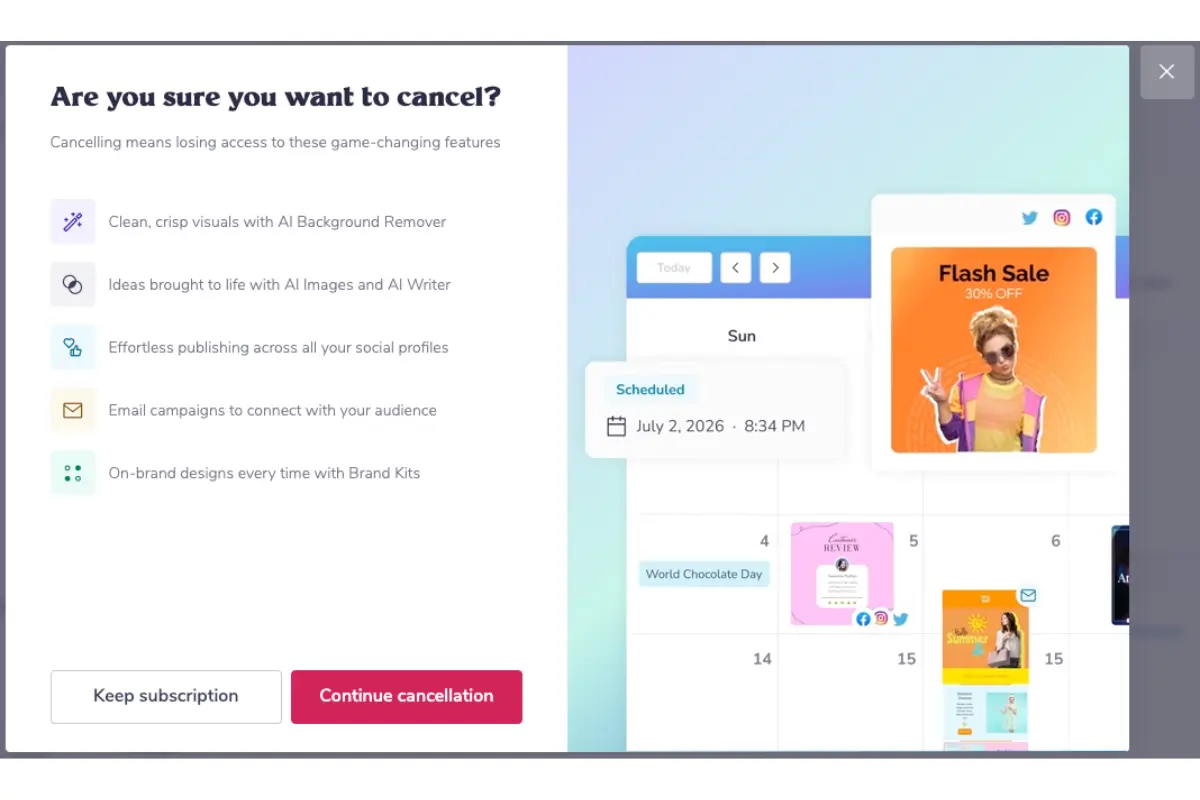
Click on Cancel Subscription. PosterMyWall may ask you to confirm your decision. They may also show offers or ask for feedback. You can skip these and continue.
Once confirmed, your subscription will be canceled. You will still be able to use paid features until the end of your current billing period.
You should also receive a confirmation email. Keep that email for your records.
If You Subscribed via Mobile App (Google Play / App Store)
If you purchased PosterMyWall through a mobile app, you must cancel it from the app store.
For Android (Google Play):
-
Open Google Play Store
-
Tap your profile icon
-
Go to Payments & subscriptions
-
Select Subscriptions
-
Find PosterMyWall
-
Tap Cancel subscription
For iPhone (App Store):
-
Open Settings
-
Tap your Apple ID
-
Go to Subscriptions
-
Select PosterMyWall
-
Tap Cancel Subscription
Important Things to Remember
-
Cancel before the renewal date to avoid being charged again
-
Canceling does not delete your account
-
You can still access paid features until the billing cycle ends
-
The free plan will continue after cancellation
Also Read:
If You Can’t Find the Cancel Option
If you face any issues:
-
Visit PosterMyWall Help Center
-
Use the Contact Support or Email Support option
-
Ask them directly to cancel your subscription
They usually respond within a short time.