
What Is Diaro App and How to Use It- Check it out
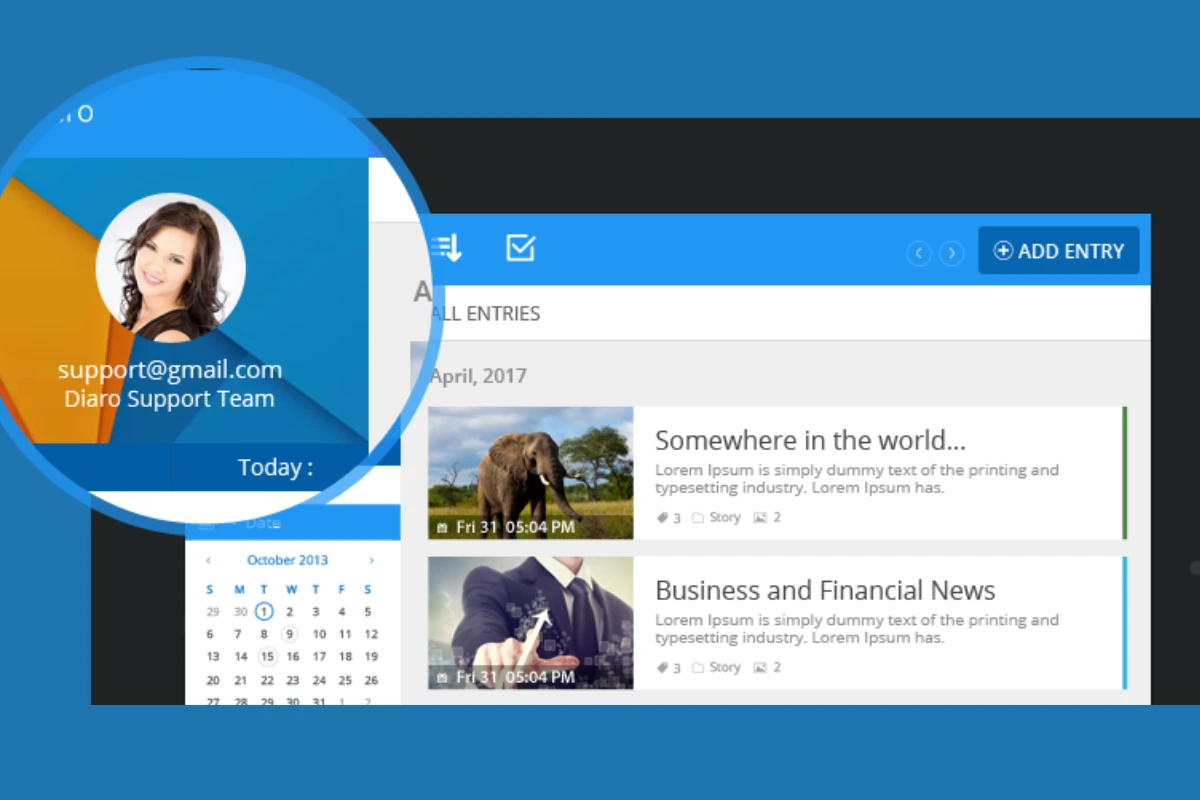
Diaro is a personal diary and journaling app made for people who want to write about their daily life in a simple and private way. It works like a digital diary where you can save thoughts, memories, moods, plans, and important moments directly on your phone or computer. Many users prefer Diaro because it is easy to use and focuses strongly on privacy.
In today’s busy life, people often forget to write things down. Diaro helps solve this problem by giving you a safe place to record your day anytime, anywhere. This article explains what the Diaro app is and how to use it, written in local and normal words, and fully based on true information.
What Is the Diaro App and Why People Use It
Diaro is a journaling app that lets you write diary entries with text, images, location tags, and mood tracking. You can use it for personal journaling, travel notes, daily thoughts, gratitude writing, or even as a life log. It is available on Android, iOS, and desktop platforms.
One of the main reasons people like Diaro is privacy. Your diary entries are stored securely, and you can protect them using a password or biometric lock. Unlike social media, nothing you write is shared publicly. Everything stays personal unless you choose to export it.
The app organizes entries by date, calendar view, tags, and search. This makes it easy to find old memories later. You can look back at what you wrote months or even years ago. Many people use Diaro to track emotions, mental health progress, or personal growth over time.
Diaro also supports cloud backup, which helps users keep their data safe if they change devices. This feature is optional, so users stay in control of their data. Overall, Diaro is used by students, professionals, writers, travelers, and anyone who wants a private digital diary.
How to Use the Diaro App Step by Step
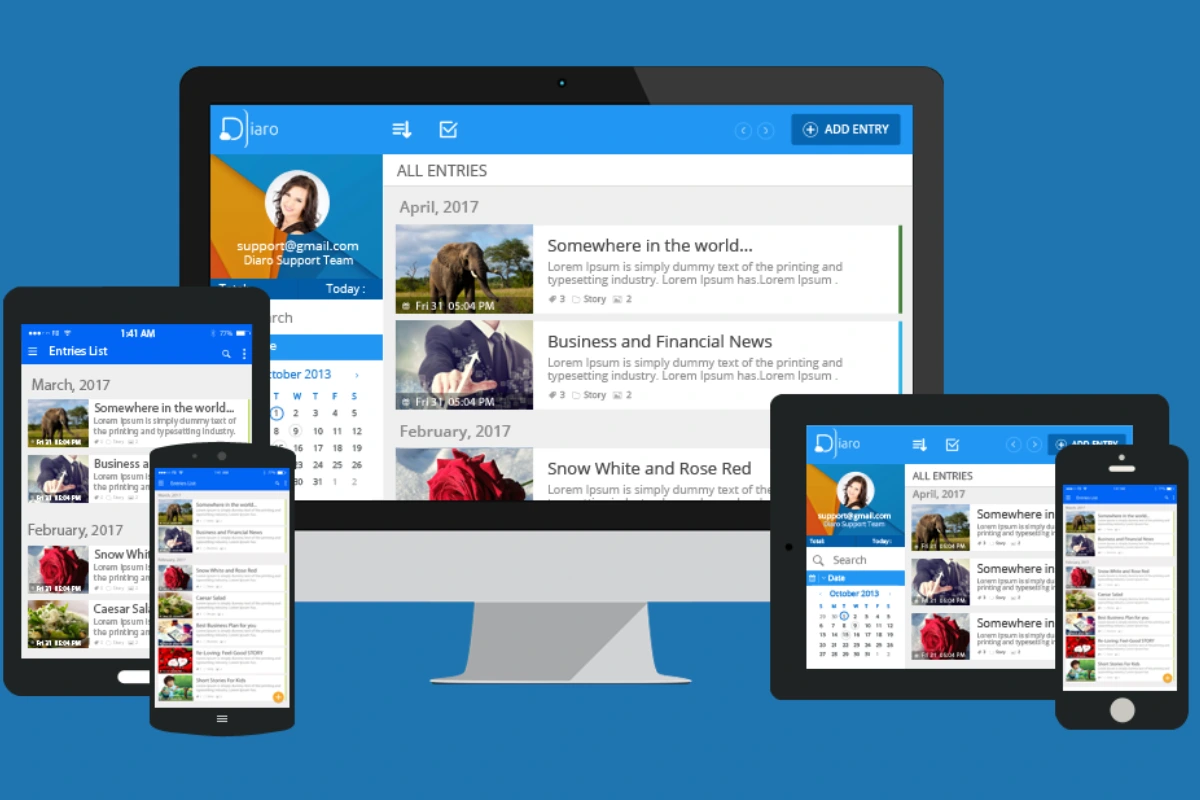
Using the Diaro app is very simple, even for first-time users. After downloading the app, you can start writing immediately or create an account to enable backup and sync. The main screen shows a calendar or timeline where all your entries are stored.
To create a new diary entry, you tap the add button and start writing. You can type freely, just as you would when writing in a notebook. Diaro also allows you to add photos, which helps save memories from trips, events, or special days. You can also add your location, which is useful for travel journaling.
Tags are an important feature in Diaro. You can add tags like “work,” “travel,” “family,” or “mood” to your entries. Later, you can search by these tags to quickly find related entries. This saves a lot of time and keeps your diary organized.
The mood tracking feature allows you to record how you felt on a specific day. Over time, this helps you understand emotional patterns. Many users find this helpful for mental health awareness and self-reflection.
Security settings are easy to manage. You can enable a PIN, fingerprint, or face lock to protect your diary. This ensures that only you can read your entries. You can also choose whether to back up your data to the cloud or keep everything offline.
Diaro also allows exporting your diary. You can export entries as text or PDF files if you want to keep a copy or move your diary elsewhere. This feature is useful for long-term journaling or personal archives.
With regular use, Diaro becomes a habit-forming app. Writing a few lines daily takes only minutes but helps clear the mind, reduce stress, and preserve memories.
Dogpile Search Engine Review: How It Works and Is It Still Useful?