Wondershare Filmora Review: Price, Features, How to Use, Pros and Cons
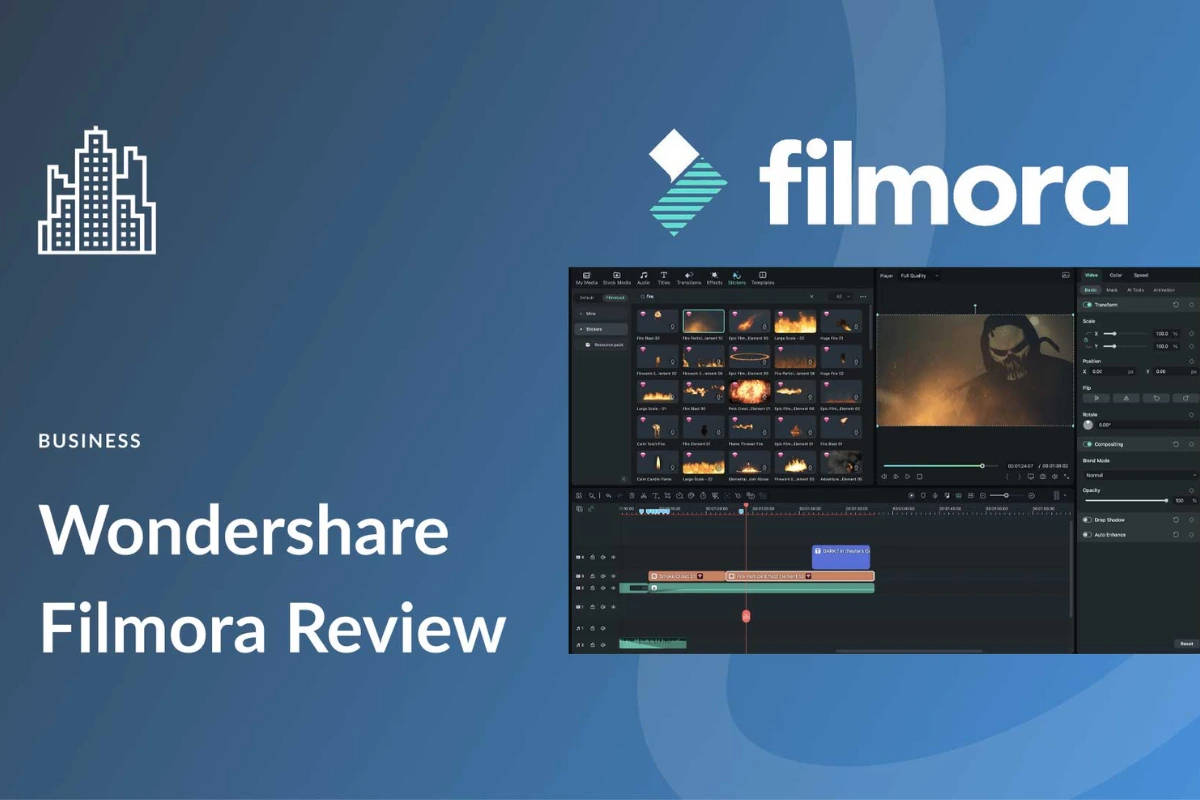
Wondershare Filmora is a popular video editing software made for beginners and casual creators. It is widely used by YouTubers, students, small businesses, and social media users. The main reason people choose Filmora is its simple design and easy learning curve.
Unlike professional editors who feel complex, Filmora focuses on quick editing and fast results. You do not need prior editing experience to start using it.
What Is Wondershare Filmora?
Wondershare Filmora is a desktop video editing program available for Windows and macOS. It allows users to edit videos using drag-and-drop tools and pre-made effects.
The software is designed for people who want to create videos without spending weeks learning advanced editing. It works well for YouTube videos, reels, vlogs, and basic marketing content.
Filmora balances simplicity with enough features for regular editing needs.
Filmora Features Explained Simply
Filmora comes with a clean timeline editor that is easy to understand. You can cut, trim, split, and arrange clips without confusion.
It includes built-in transitions, filters, titles, stickers, and music. Many effects are ready to use, which saves time.
Advanced features like green screen, motion tracking, speed control, and basic color correction are also available.
How to Use Wondershare Filmora
Using Filmora is simple, even for first-time users. After installing the software, you start a new project and import your video files.
You drag clips onto the timeline and edit them using simple tools. Effects and transitions can be added with one click.
Once editing is done, you export the video in different formats or upload it directly to platforms like YouTube.
Performance and System Requirements
Filmora runs smoothly on mid-range computers. You do not need a very powerful system for basic editing.
For 4K or heavy effects, a better processor and more RAM help. Still, Filmora is lighter than many professional editors.
Export speed is reasonable, and crashes are uncommon when used on supported systems.
Wondershare Filmora Pricing and Plans
Filmora is not completely free. The free version adds a watermark to exported videos.
Paid plans include:
-
Annual subscription
-
Lifetime license (one-time payment)
Prices vary by region, but Filmora is cheaper than professional tools like Adobe Premiere Pro. Updates may depend on the license type.
Who Should Use Filmora?
Filmora is best for beginners and intermediate users. It suits YouTubers, students, teachers, and small business owners.
People who want fast editing without complex tools will enjoy it. It is also good for social media creators making short videos.
Professional editors working on movies or advanced projects may find it limited.
Pros and Cons of Wondershare Filmora
Here is an honest look at the advantages and disadvantages based on real usage.
Pros
-
Easy to learn and beginner-friendly
-
Clean interface and simple tools
-
Good range of effects and templates
-
Affordable compared to pro editors
Cons
-
Watermark in the free version
-
Limited advanced editing control
-
Some effects require paid assets
-
Not ideal for high-end professional work
Filmora vs Professional Editors
Compared to tools like Premiere Pro or Final Cut Pro, Filmora is much simpler. Those tools offer deeper control but take longer to learn.
Filmora trades complexity for speed and ease. This is why many beginners prefer it.
For casual and semi-professional editing, Filmora does the job well.
FlexClip Review: Simple Online Video Editor for Everyday Users
Final Verdict: Is Wondershare Filmora Worth It?
Wondershare Filmora is a solid choice for users who want easy video editing without technical stress. It offers good features, smooth performance, and fair pricing.
If you are new to video editing or want a simple tool for content creation, Filmora is worth using.
If you need advanced professional workflows, you may need a more powerful editor.